
All 16 caption styles, each with its clip
Watch the 16 caption styles from the video, each with its name. Save the guide, and when you want captions, give it to your AI with your video and the name.
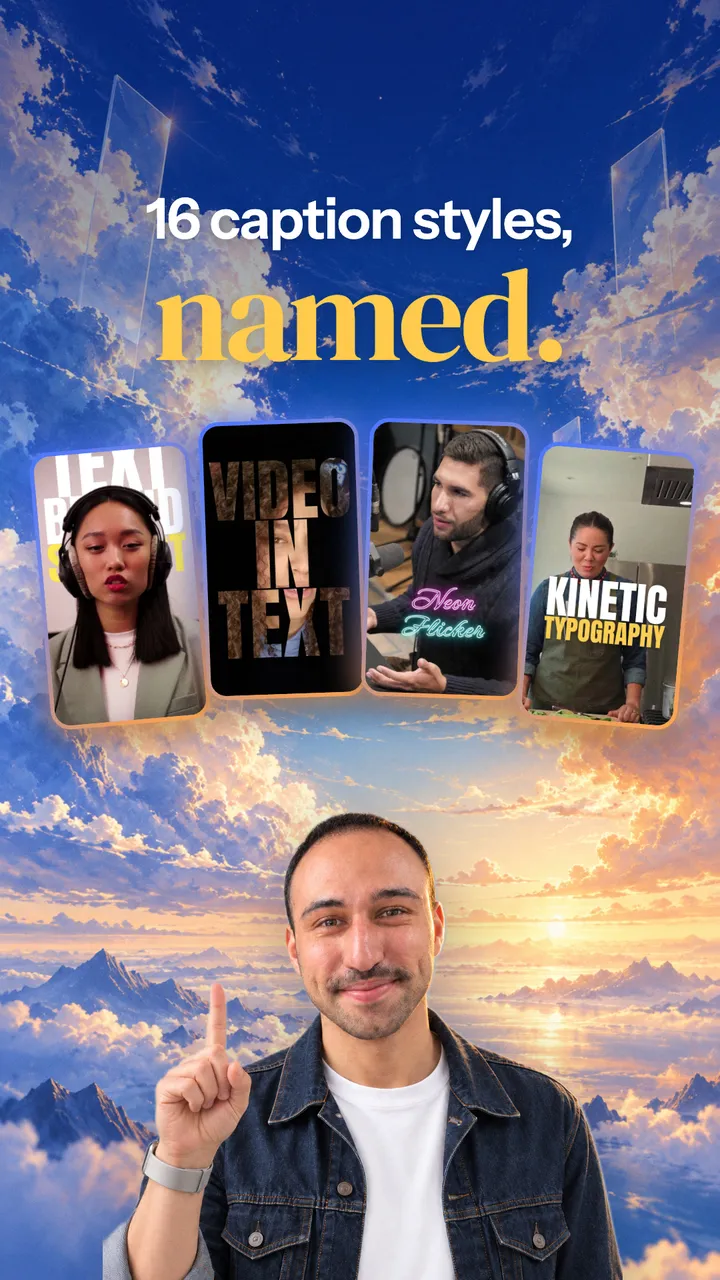
Watch the 16 styles
Each clip writes the style's name in that style.
1Text Behind Subject
Giant words stand behind the speaker.
23D Spinning Text
Letters circle around the speaker's head.
3Video in Text
The video plays inside the letters.
4Repeating Text
One word fills the background in rows.
5Font Shift
Each word flicks through typefaces.
6Text Behind Head
Words rise from behind the head.
7Layered Text
One word behind, the line in front.
8Stretch Text
Tall letters stretch up into place.
9Chrome Text
Shiny metal letters with a light sweep.
103D Perspective
Lines on a wall turned at an angle.
11Kinetic Typography
Lines slam in and stack up.
12Editorial
One serif italic word, magazine style.
13Outline Reveal
The outline lands, then the fill wipes in.
14Neon Flicker
A glowing sign that flickers on.
15Handwritten
Written in marker, the key word circled.
16Ransom Note
Every letter cut from a different magazine.
Save the guide
A short PDF to keep for the day you want captions. Each style has its name, its best use and the details to make it. Leave your email and it downloads right away. On your phone? It waits in your inbox too.
When you want captions
Open the AI you already use. Upload the PDF and your video, then paste this prompt. It asks which style you want and how you edit. If your AI can edit video, it makes the captions with you. If not, it guides you through your editing app or writes a brief for your editor.
I've shared a PDF of 16 caption styles, each with its name and the details needed to make it. I want captions on my video in one of these styles. I'm not technical, so please guide me in plain words. First, ask me which style I want, or help me pick one for my video. Then ask what device I'm on and how I edit: you work on the video yourself, I use an editing app like CapCut, or someone edits for me. If you can't edit video files here, tell me honestly and pick one of the other two ways with me. If you can work on my video yourself, look up the current instructions for free tools that can do it, tell me what you'd add to my computer and wait for my OK. Work on a copy so my original stays as it is. Before you start, show me the words you heard in my video so I can fix any mistakes. Time each word to my voice, follow the style's details in the PDF, and show me a short preview before the full video. If I use an app, check that app's current help pages and guide me one tap or click at a time to the closest look. If someone edits for me, write them a short brief with the style's name, its details and the link to its clip. Don't stop at the first "I can't": look for another way first. Never ask me for passwords or keys in this chat. We're done when my video has the style I chose, or my editor has a brief they can follow.
Questions? Reply to the email and I'll help.
Want your AI doing work like this every week? Start with a free plan.
Get my free plan